The patients on your attendance log come from a roster kept for each location. If someone you saw is not on it, the log cannot hold a row for them, so you cannot document or bill that session through the app until the roster is fixed. This article says who fixes it and what happens once they do.
Why the patient is missing
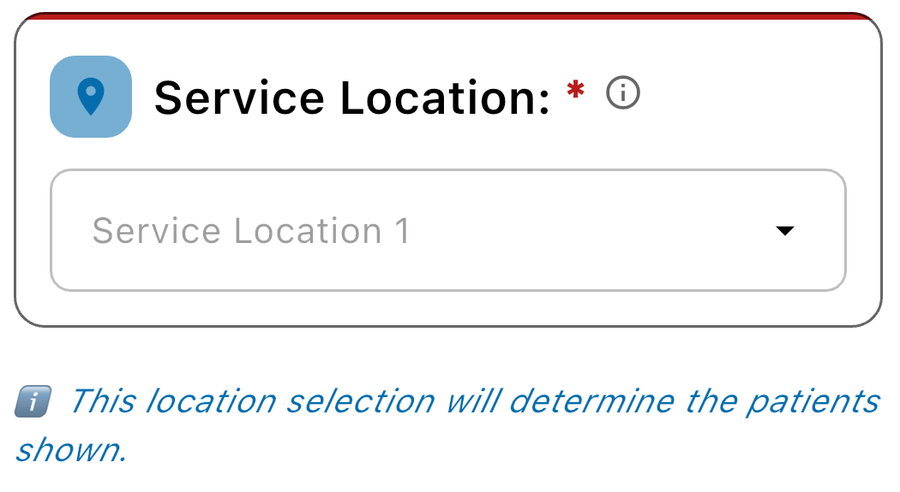
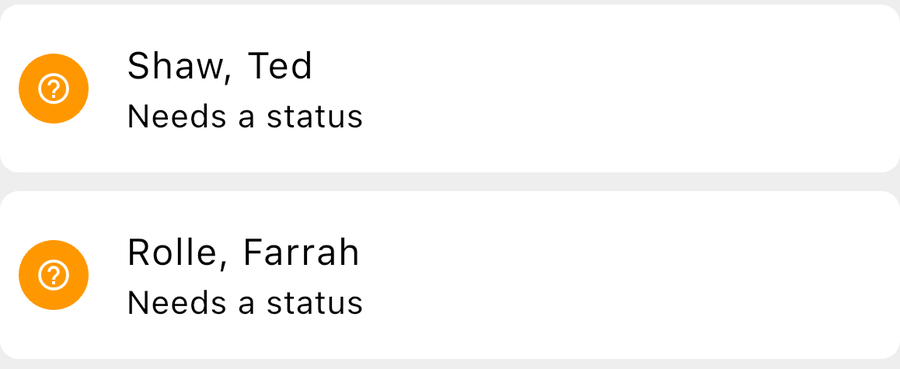
Each location has a list of assigned patients. When you create an attendance log for a location, the LOGS tab is filled from that list. The app does not let a log add its own patients; it only shows the roster it was given. A location with nobody assigned shows No patients assigned to this location instead of names.
That roster is managed on the Patients, Allocations screen, which only an administrator can open. At some agencies the person who does this is your Site Coordinator.
What to do
- Contact your administrator or Site Coordinator.
- Give them the patient's name and the location where you see the patient.
- Ask for the patient to be added to that location's roster in EMRFlow.
What does not change
- Any patient can be assigned to a location. Documenting a session still requires the patient to have an approved evaluation of record, which is separate from the roster.
- Removing a patient from a location changes future rosters only. Existing logs and notes stay as they are.
For the rest of the attendance log, from the first save to Ready for Review, see Attendance Logs: Recording Your Sessions.
For administrators: if a whole site is missing from the Service Location list, not just one patient, see Locations: Billing, Service, and Everything Else.
Was this article helpful?
That’s Great!
Thank you for your feedback
Sorry! We couldn't be helpful
Thank you for your feedback
Feedback sent
We appreciate your effort and will try to fix the article